The best GPT image prompts do not read like a pile of adjectives. They read like a small creative brief: what is in the frame, where it sits, how it is lit, what the viewer should notice first, and what must not change.
That is the part people often skip. They ask for "premium, cinematic, realistic, 4K" and hope the model fills in the rest. Sometimes it does. Often it gives you something attractive but unusable.
Quick answer
A strong GPT image prompt should include the subject, use case, composition, lighting, color palette, material cues, and constraints. If the image needs to match a reference or a brand system, add explicit "do not change" rules for layout, background, text, and extra objects.
Here is the simplest pattern:
Create [type of image] for [use case]. Show [subject] in [setting], framed with [composition]. Use [lighting], [palette], and [material or style cues]. Keep [constraints]. Avoid [common failure modes].It looks plain, but plain is useful. Models do not need poetic confusion. They need a clean brief.
Scenario
This guide is for people using GPT Image or another AI image generator for practical visual work:
- Product photos for ecommerce, ads, or landing pages.
- Portraits for editorial, founder, or team visuals.
- Posters, thumbnails, and social graphics.
- Mood boards that need a repeatable visual direction.
The goal is not just to get one nice image. The goal is to get a prompt you can adjust without rebuilding the whole idea every time.
The anatomy of a useful GPT image prompt
Most prompts improve when they include these seven parts:
| Part | Why it matters | Example |
|---|---|---|
| Image type | Sets the output format | "product still life", "editorial portrait" |
| Use case | Shapes practical choices | "for a landing page hero" |
| Subject | Anchors the result | "a matte amber fragrance bottle" |
| Composition | Controls the frame | "centered, slight top-down angle" |
| Lighting | Controls realism and mood | "soft window light from the left" |
| Palette/materials | Keeps the visual system coherent | "warm stone, frosted glass, linen" |
| Constraints | Prevents drift | "no extra labels, no hands, no added text" |
If you only write style words, the model has to invent the rest. If you write the brief, you decide what matters.
Product prompt example
Weak prompt:
Create a premium product photo, realistic, elegant, luxury, studio lighting.Better prompt:
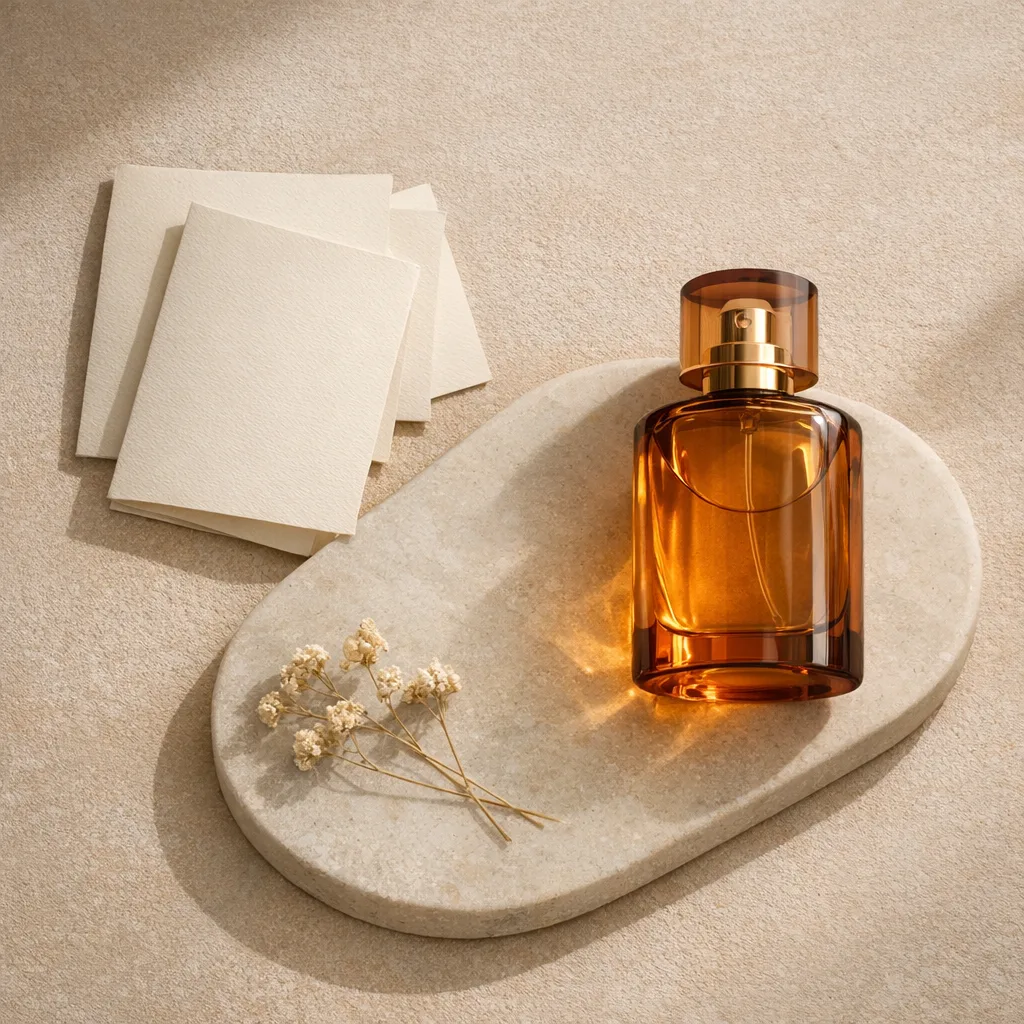
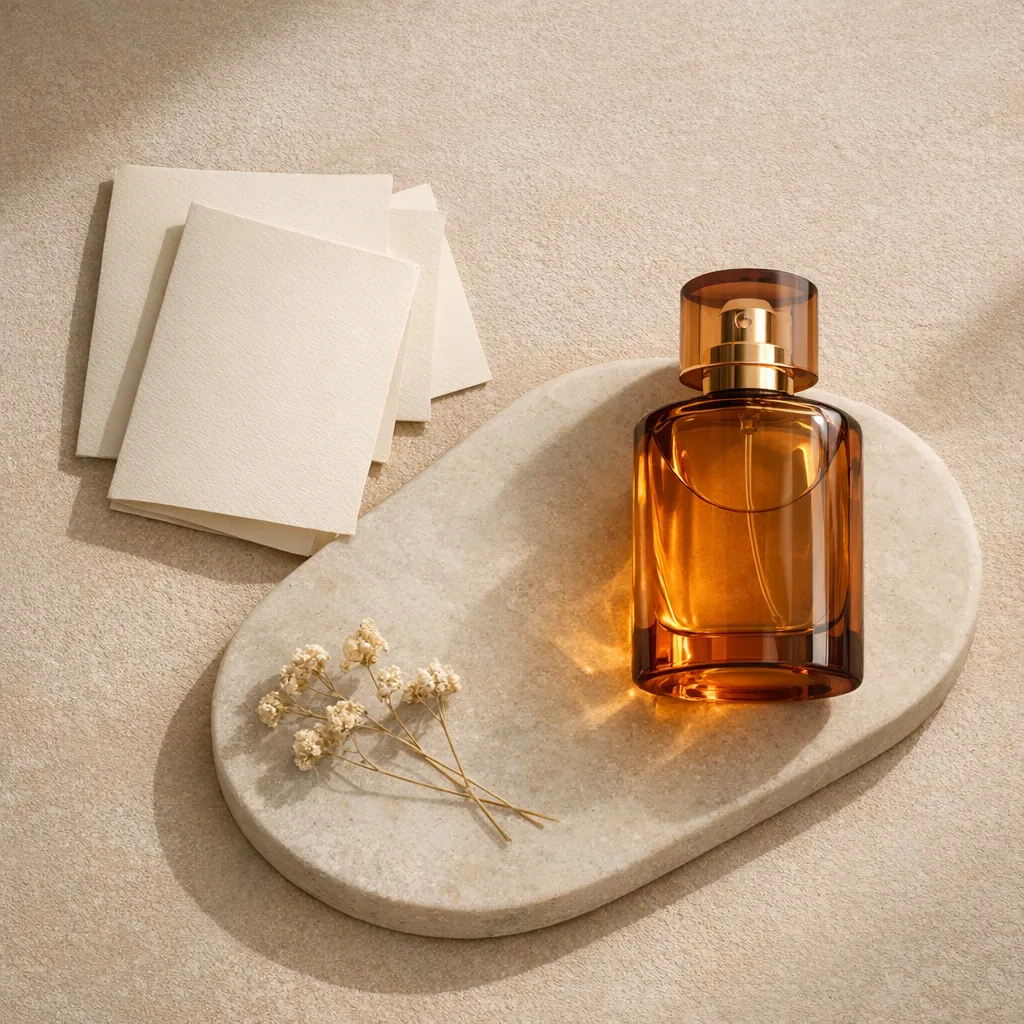
Create a clean ecommerce product still life for a fragrance landing page. Show one matte amber glass bottle on warm stone, centered with a small amount of negative space above it. Use soft side light, a beige and honey color palette, subtle glass reflections, and natural shadow under the bottle. Keep the label minimal and unreadable. Do not add hands, flowers, water splashes, extra bottles, or background text.The better version gives the model less room to wander. It also gives you handles to edit later. If the image feels too empty, change the negative space. If it feels too cold, change the palette. If the label is messy, tighten the text constraint.
Portrait prompt example
A portrait prompt needs restraint. If you over-pack it with style words, the face, pose, and lighting can drift quickly.
Create an editorial portrait of a creative director sitting near a large window in a quiet studio. Frame the person from the waist up, looking slightly away from the camera, with relaxed posture and natural expression. Use soft daylight, gentle facial shadows, muted charcoal and cream tones, and a shallow depth-of-field background. Keep the clothing simple and unbranded. Do not add dramatic makeup, jewelry, text, or extra people.Notice the prompt does not need to identify a real person or imply private traits. It describes a visible setup and an intended image type.
Poster prompt example
Posters are where constraints matter most, especially if text is involved.
Create a minimal event poster for a design systems workshop. Use a clean grid, one large abstract interface shape, and a limited palette of white, graphite, and electric blue. Leave a clear text area in the upper third with the exact title "Design Systems Field Notes". Use sharp edges, generous spacing, and high contrast. Do not add extra words, logos, mock text, or decorative clutter.For prompt-driven typography, ask for fewer words than you think you need. The more text you request, the more chances the image has to introduce mistakes.
Solution
Write GPT image prompts in layers.
Layer 1: Say what the image is. A product still life, portrait, poster, UI concept, food editorial, packaging mockup, or interior scene.
Layer 2: Say what must stay stable. Subject count, composition, background, text, brand marks, and important objects.
Layer 3: Add taste. Lighting, palette, material, mood, style, and level of realism.
Layer 4: Add negative constraints. Only include constraints that prevent likely drift. "No extra objects" is useful. A huge list of random negatives usually is not.
This order keeps the prompt grounded. It also makes iteration easier because you can edit one layer at a time.
Evidence
You can judge a GPT image prompt before generating anything by checking whether it answers five questions:
- What exact image type should the model create?
- What is the main subject?
- Where is the subject in the frame?
- What light and palette should dominate?
- What should the model avoid changing or adding?
If a prompt does not answer those questions, the result may still look good, but it will be harder to control. That is the difference between a lucky prompt and a reusable prompt.
A reusable GPT image prompt template
Create a [image type] for [use case]. The main subject is [subject], placed [composition] in [setting]. Use [lighting], [palette], and [materials/style]. The image should feel [mood] but remain [realism level]. Keep [stable elements]. Avoid [drift risks].Example filled in:
Create a product still life for a skincare landing page. The main subject is one frosted glass serum bottle, placed slightly off-center on a pale stone surface. Use soft morning light, warm cream and sage tones, and subtle glass reflections. The image should feel calm and editorial but remain realistic. Keep the background minimal and the bottle shape unchanged. Avoid hands, flowers, water droplets, extra packaging, readable brand text, or additional bottles.Final note
The point of a GPT image prompt is not to sound impressive. It is to make the image easier to steer. Start with the frame, protect the subject, then add style. That order saves more generations than any list of magic words.