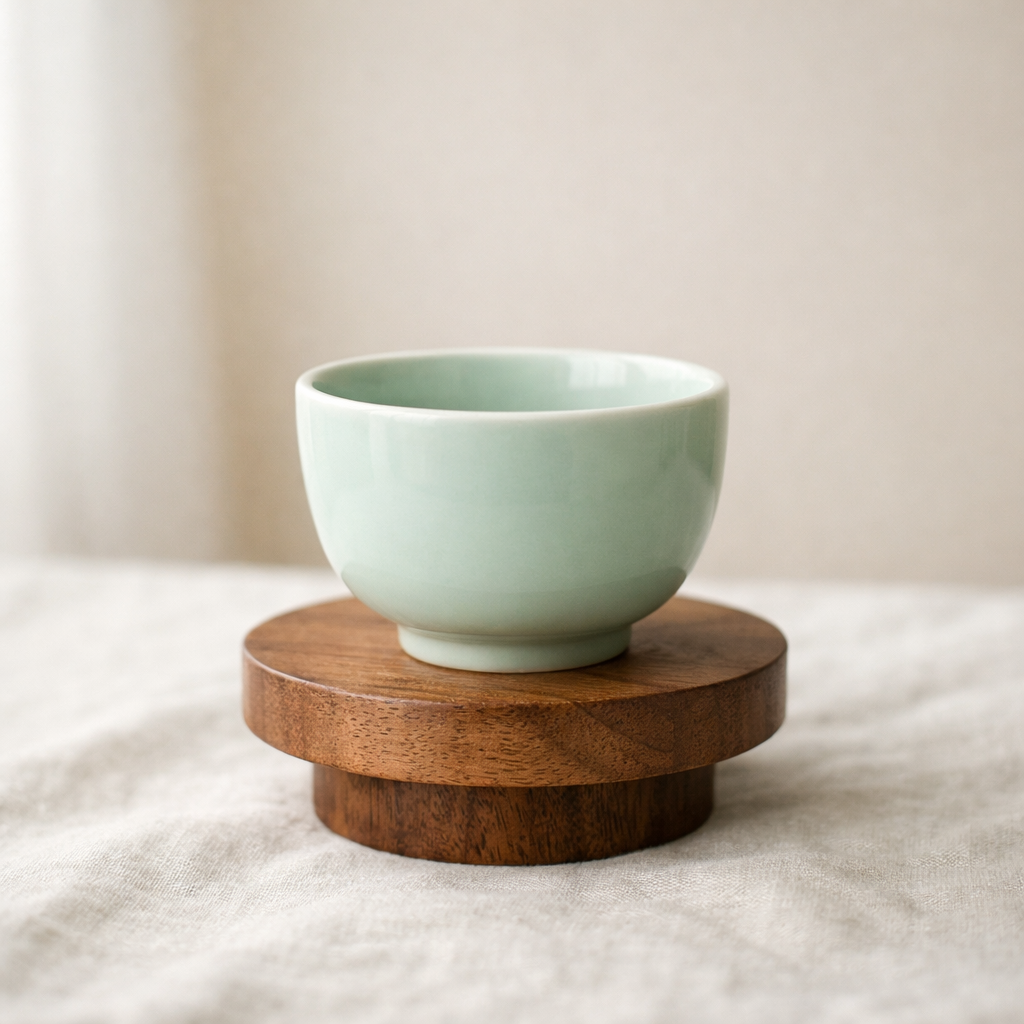
Ceramic cup on a wood pedestal, soft studio daylight, neutral linen surface, restrained editorial product photography, subtle shadow falloff, minimal premium composition.
Upload an image, inspect its subject, scene, lighting, and composition, then leave with a reusable prompt you can copy, refine, and save.
Generate a prompt, structured view, or JSON.

Ceramic cup on a wood pedestal, soft studio daylight, neutral linen surface, restrained editorial product photography, subtle shadow falloff, minimal premium composition.

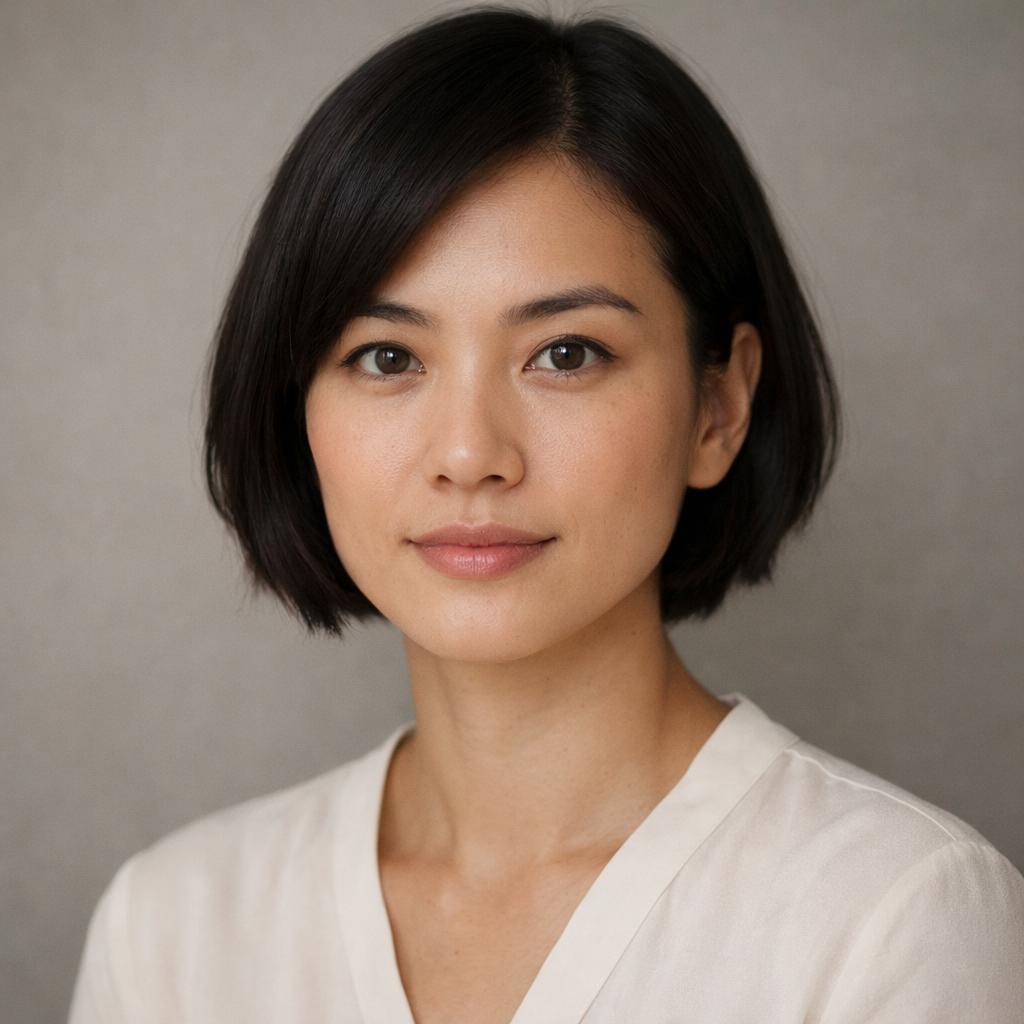
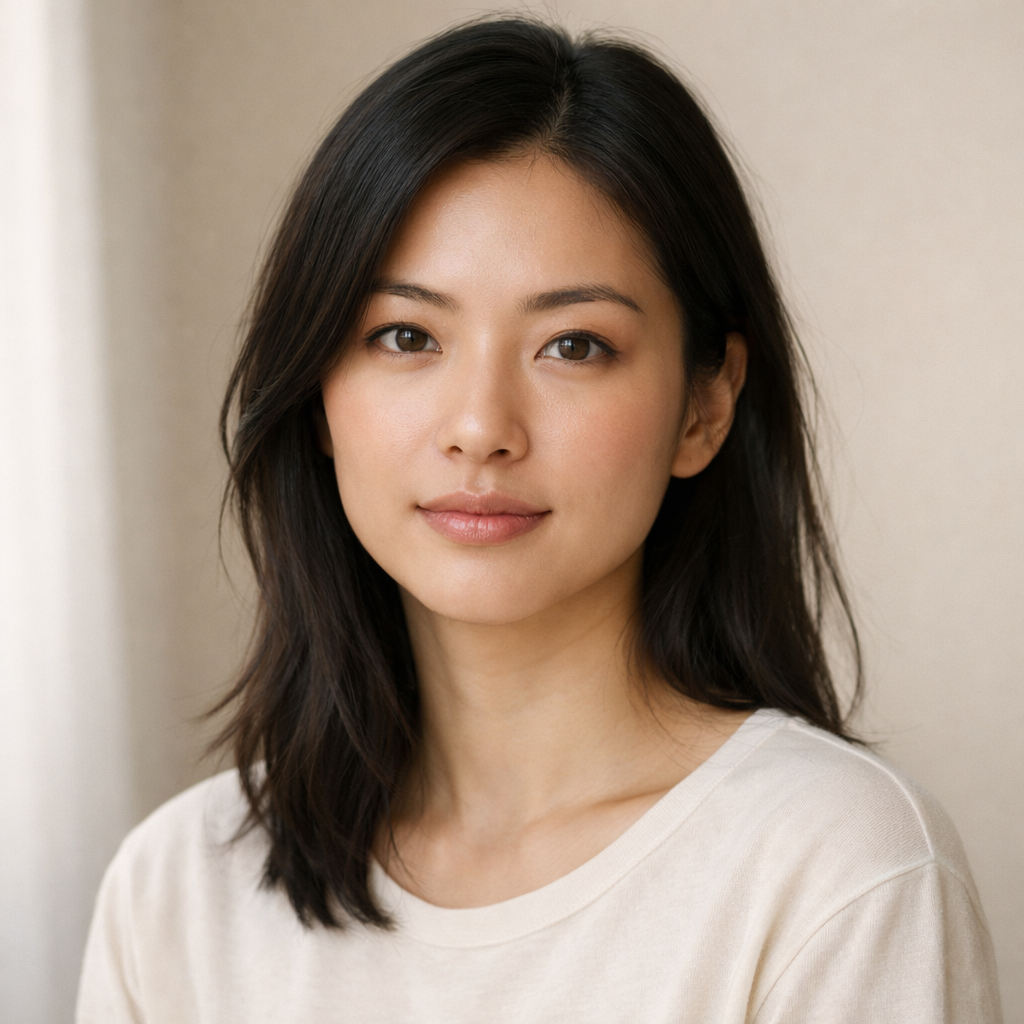
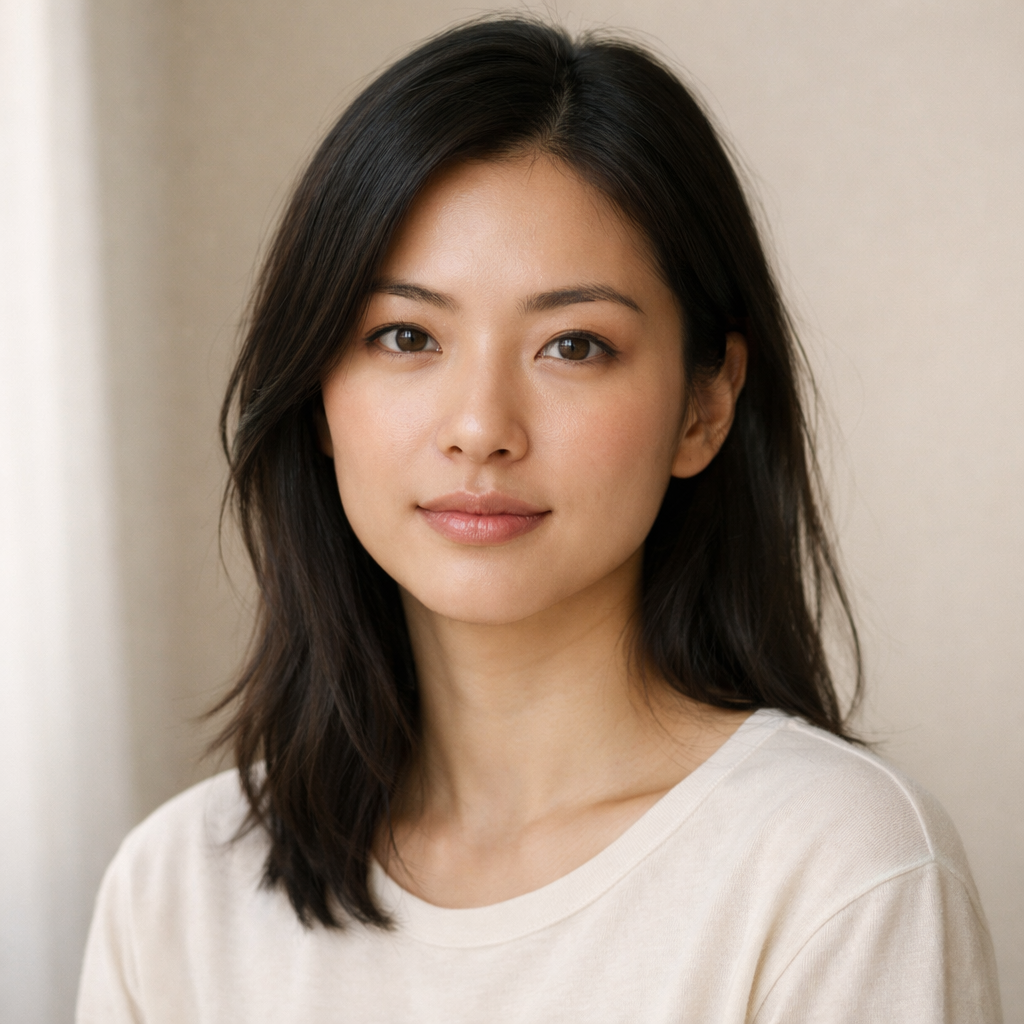
A restrained editorial portrait of a woman in soft natural light, framed close with a warm neutral backdrop, direct but calm eye contact, realistic skin texture, subtle tonal grading, and a polished premium magazine feel.
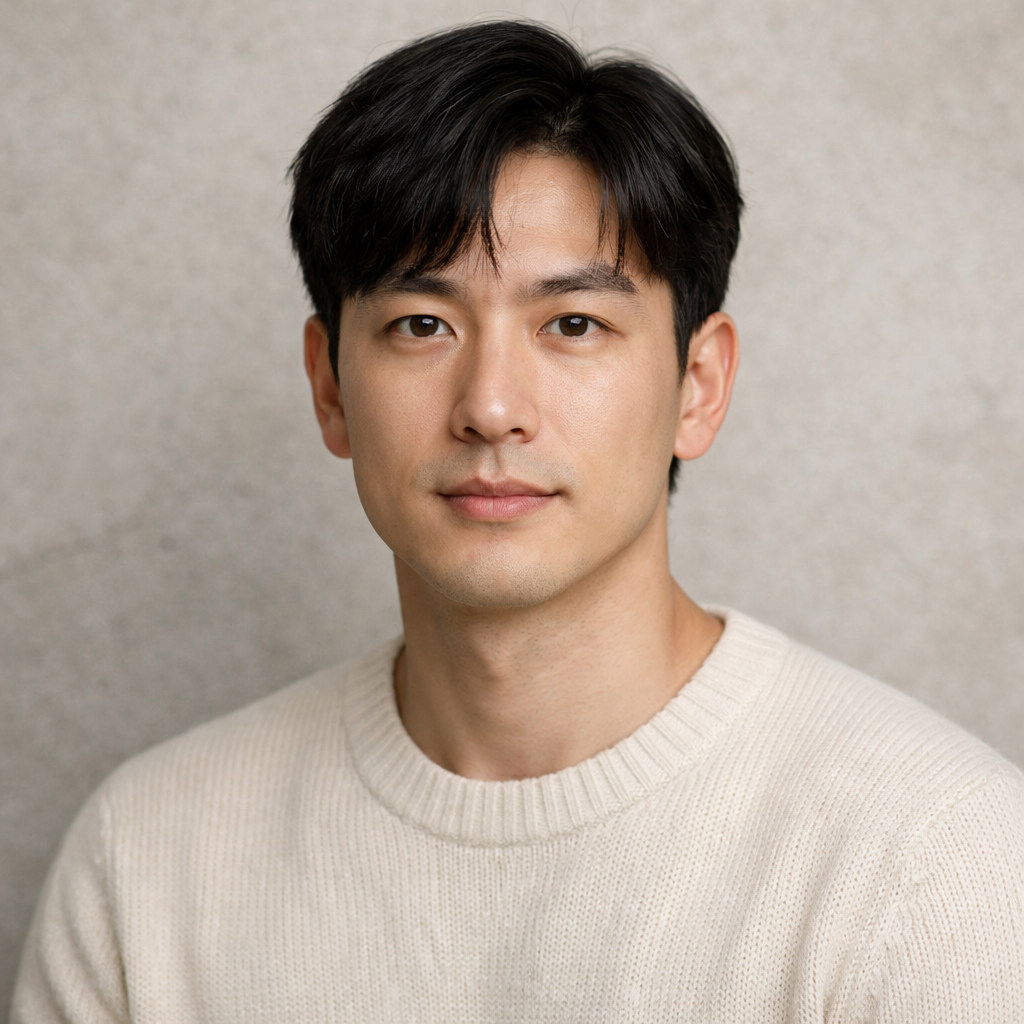
Close portrait in soft natural light, warm neutral background, refined skin tones, calm direct gaze, understated editorial color grading, realistic texture, and clean composition.

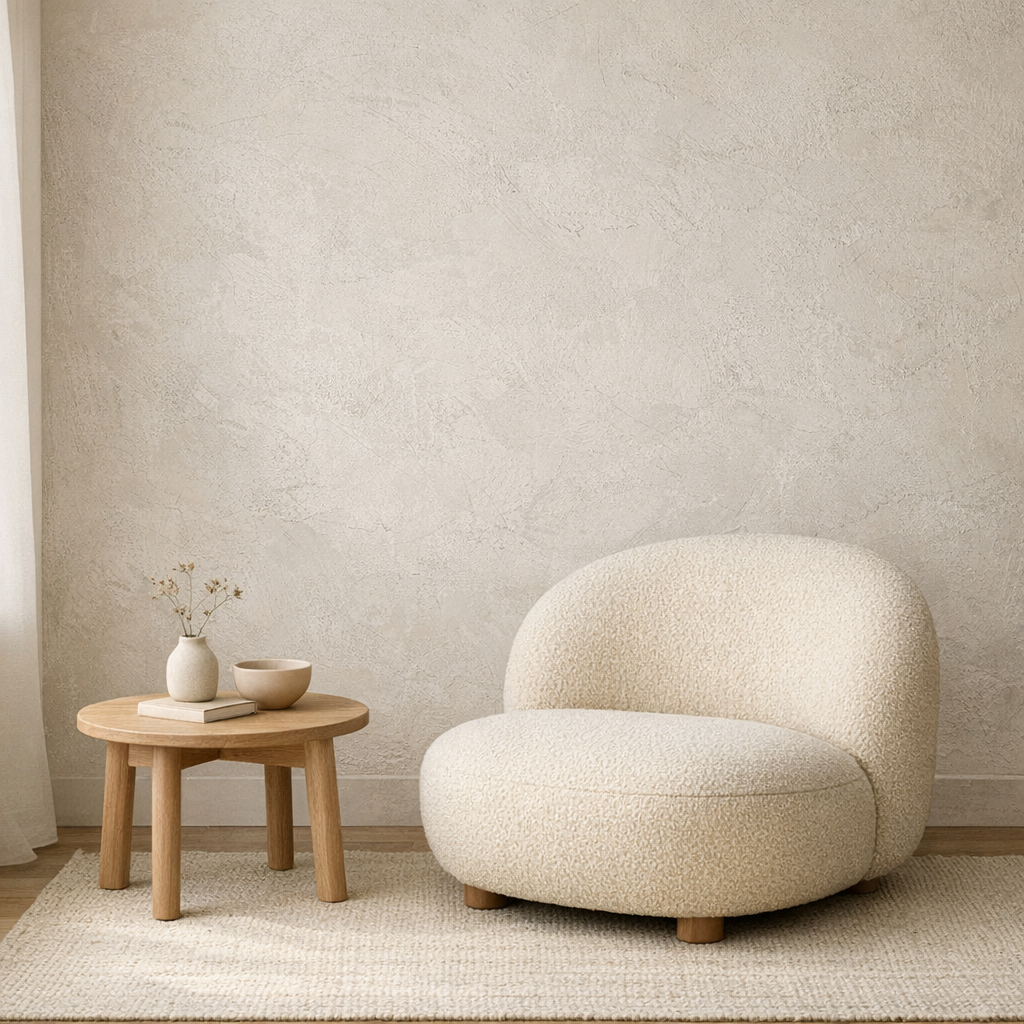
{
"subject": "rounded boucle lounge chair with side table",
"scene": "minimal interior with textured plaster wall",
"lighting": "soft natural daylight from the left",
"style": ["editorial interior", "warm neutral palette"],
"composition": "clean wide frame with negative space"
}Calm neutral interior with textured plaster wall, rounded lounge chair, light wood side table, soft daylight from the left, quiet editorial styling, minimal lifestyle composition.
I use it to turn product references into first-draft prompts, then refine the lighting and material language instead of starting from a blank page.

The structured view is the useful part. It separates subject, style, shot logic, and atmosphere so I can rewrite one layer without losing the whole idea.

We use it as the front door for prompt work. One image comes in, then the team decides whether to keep the direct prompt, inspect the structure, or refine it further.

Start free, upgrade when you need more generations. Subscribe for recurring credits, or buy credit packs whenever you need a boost.
Try every tool with starter credits.
For hobbyists and light creators.
For professional designers and teams.
For agencies and power users.
The homepage flow is simple on purpose: upload, inspect, and reuse.
Drag and drop, click to browse, or paste an image URL. The workbench starts with the image because that is the fastest way to recover prompt detail.
Start with the direct prompt, then switch to a more narrative rewrite, a denser attribute-led version, or JSON when you need more control.
Take the prompt as-is, copy it, or launch image/video generation directly from the result panel when you are ready to move beyond drafting.
Upload your first reference image and leave with a prompt you would actually ship. Free credits included.
Continue from the main entry points.
Short answers to the questions users usually ask before trying image to prompt for the first time.